 IP
IP
Huawei routers are widely used and well regarded by many users. However, when it comes time to adjust network settings, some people aren’t sure how to access the router’s admin page. This guide explains the default login addresses for Huawei routers and shows you how to access the admin panel step by step.
Huawei Router Login Address
The international versions of Huawei routers typically use one of the following default login addresses:
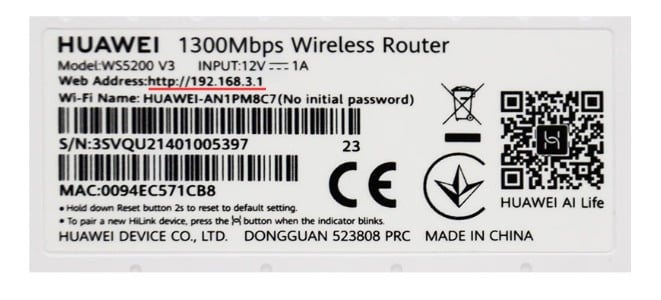
192.168.3.1: This is the default web admin address used by most Huawei wireless routers today, including models in the AX and WS series. It is also the most common login address for international versions.
192.168.8.1: This address is commonly used by Huawei portable WiFi devices and 4G/5G CPE routers, such as certain mobile router models.
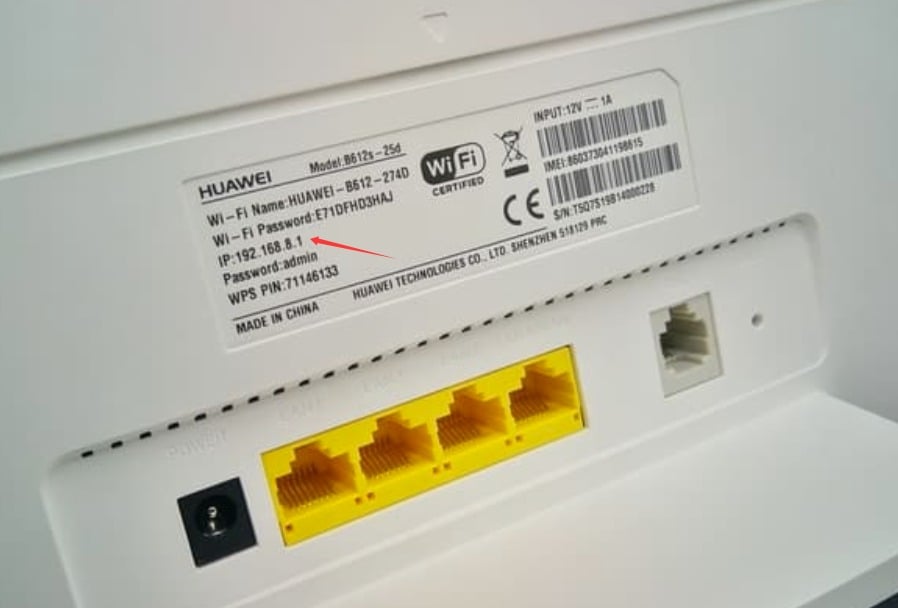
If you’re not sure which address your router uses, the most reliable way is to check the label on the bottom of the device. The label usually lists key information such as the IP or Web Address, the default WiFi name (SSID), and the default WiFi password.
The address printed on the label is the router’s default admin login address.
Once you know the correct address, you can proceed to log in to the router.
How to Log In to the Huawei Router Admin Panel
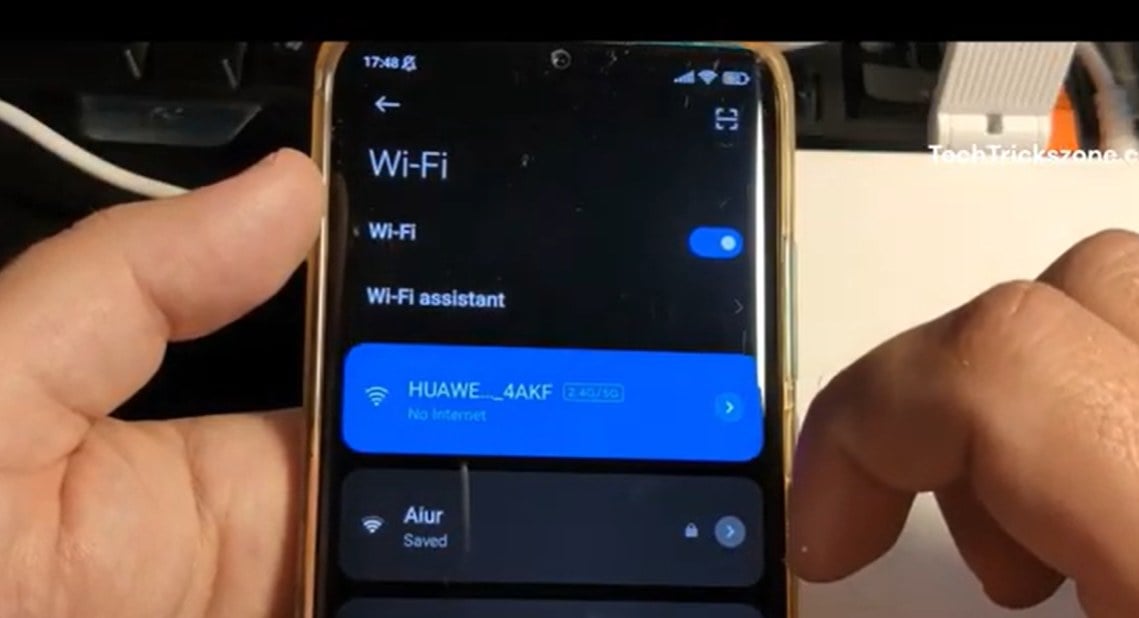
1. First, connect your phone or computer to the WiFi network of the Huawei router. If your device is not connected to the router’s network, you will not be able to access the admin page.
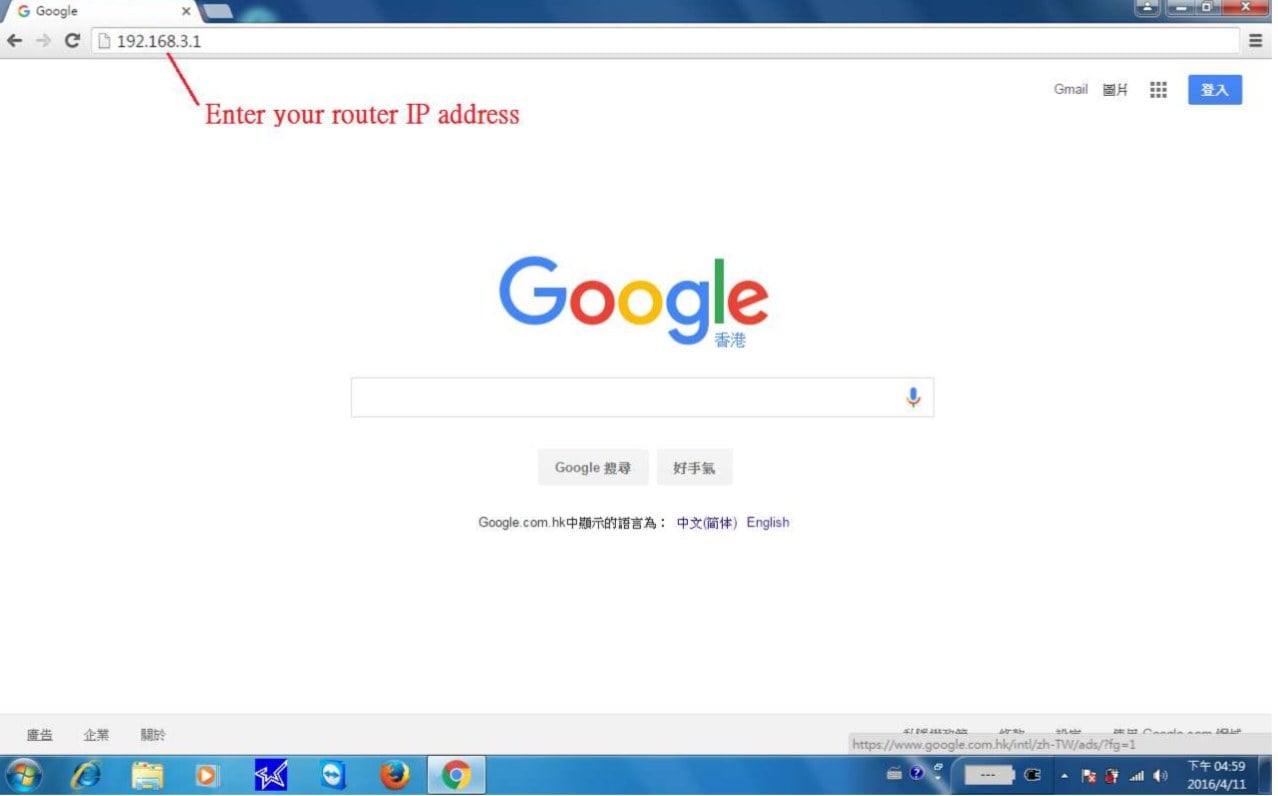
2. Open a web browser on your phone or computer, such as Huawei Browser, Chrome, Safari, or Edge.

3. Enter the router’s IP address in the browser’s address bar, for example: 192.168.3.1, and press Enter. Make sure the address is typed correctly. If the IP address is incorrect, the login page will fail to load.
4. When the page opens, you will see the Huawei router login screen. Enter the router’s administrator password.

5. After logging in successfully, you will be taken to the admin panel. From there, you can change the WiFi name, update the WiFi password, view connected devices, and adjust other network settings.


