 IP
IP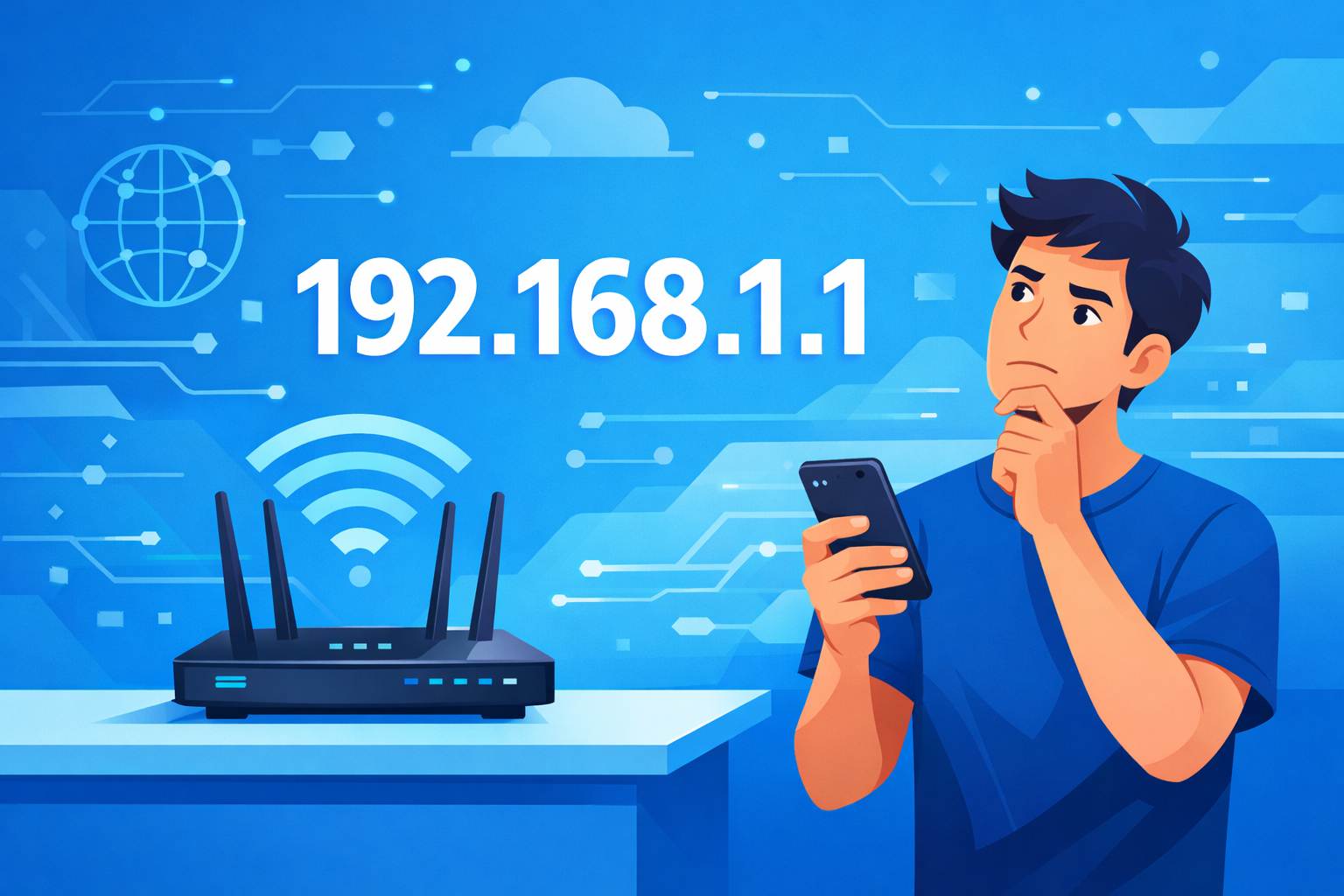
192.168.1.1 is one of the most common router login IP addresses used by routers, modems, and other network devices. To access the admin page, you need to enter this address in your browser correctly. If it’s entered in the wrong place or format, the 192.168.1.1 login page may fail to load.
192.168.1.1 Login Steps
1. Connect your phone or computer to the router’s WiFi network. You can also use an Ethernet cable to connect your computer to one of the router’s LAN ports.
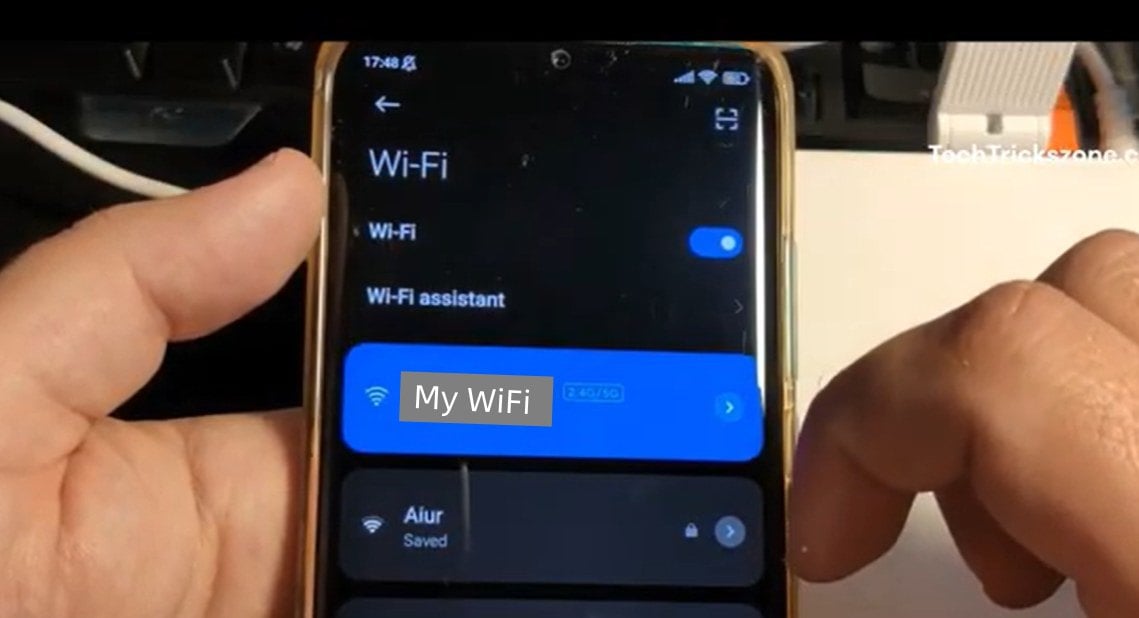
2. Open any web browser, tap or click the address bar, and type 192.168.1.1. Then tap “Go” (on mobile) or press Enter (on a computer) to open the 192.168.1.1 login page.
Important:
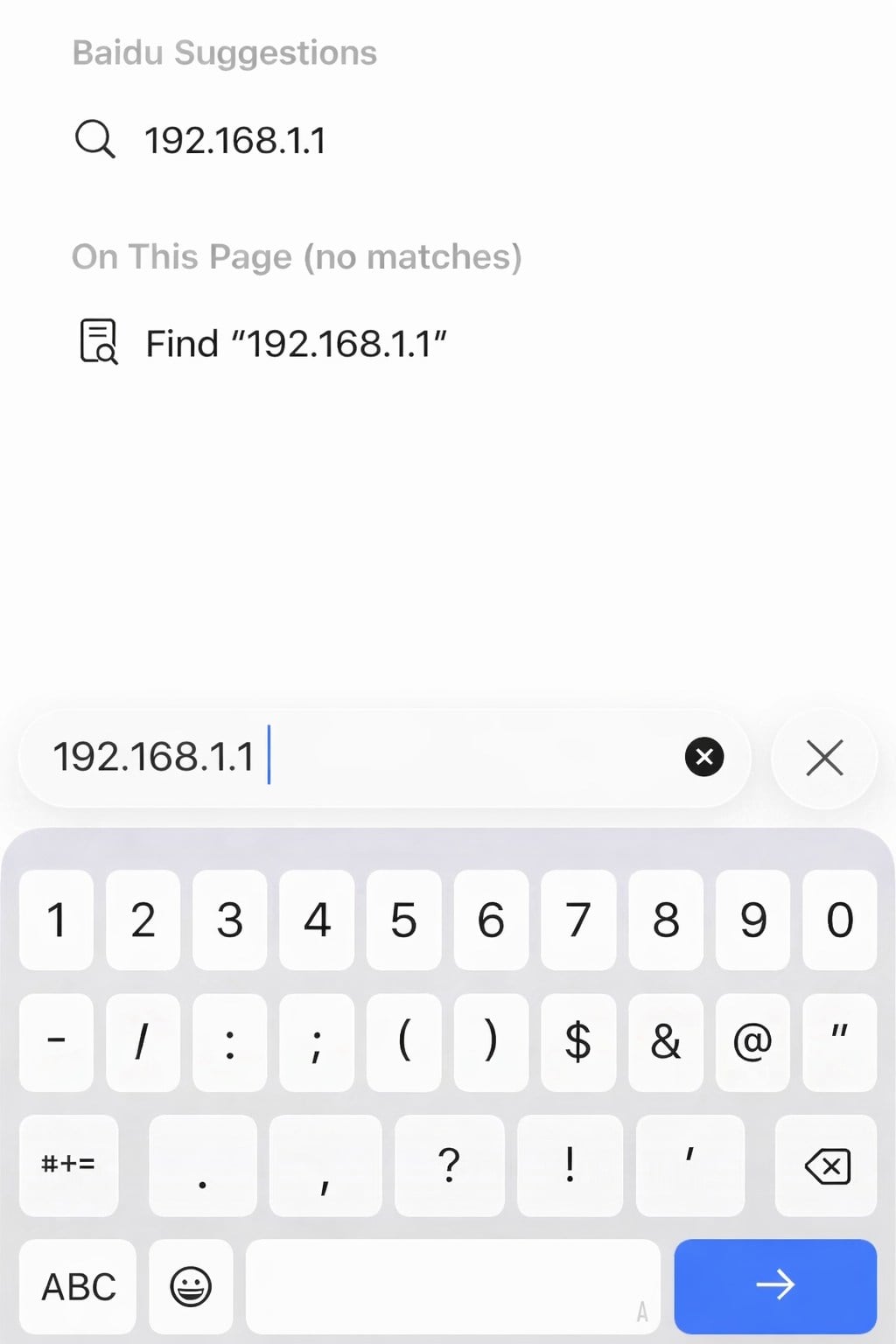
① On most Android phones (such as Xiaomi or Huawei), the address bar is usually at the top of the browser. On an iPhone using Safari, it’s typically at the bottom. Make sure you type 192.168.1.1 in the address bar—not in the search box on the browser's homepage. Otherwise, you’ll get search results instead of the router login page.
Enter 192.168.1.1 on Android:

Enter 192.168.1.1 on iPhone:
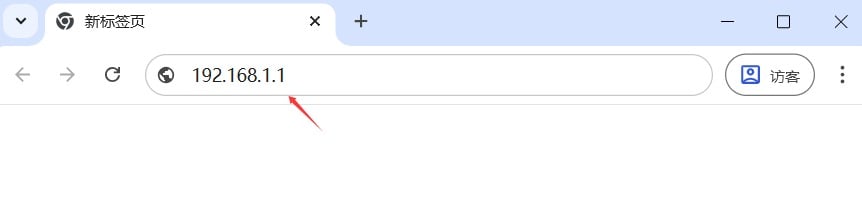
② On a computer, the browser address bar is usually at the top of the screen, with icons like refresh and bookmarks next to it.
③ When typing 192.168.1.1, don’t include spaces, use non-standard punctuation, or mistype the address (for example, “192.168.l.l” with the letter “l” or “192。168。1。1” with full-width dots).
3. Once the page loads, you’ll see the router login screen.

4. Enter the admin username (if required) and password, then click “Login” or “OK” to access the router admin panel. If you encounter 192.168.1.1 login failed: username or password verified incorrect, click here for troubleshooting tips.


