IP
IP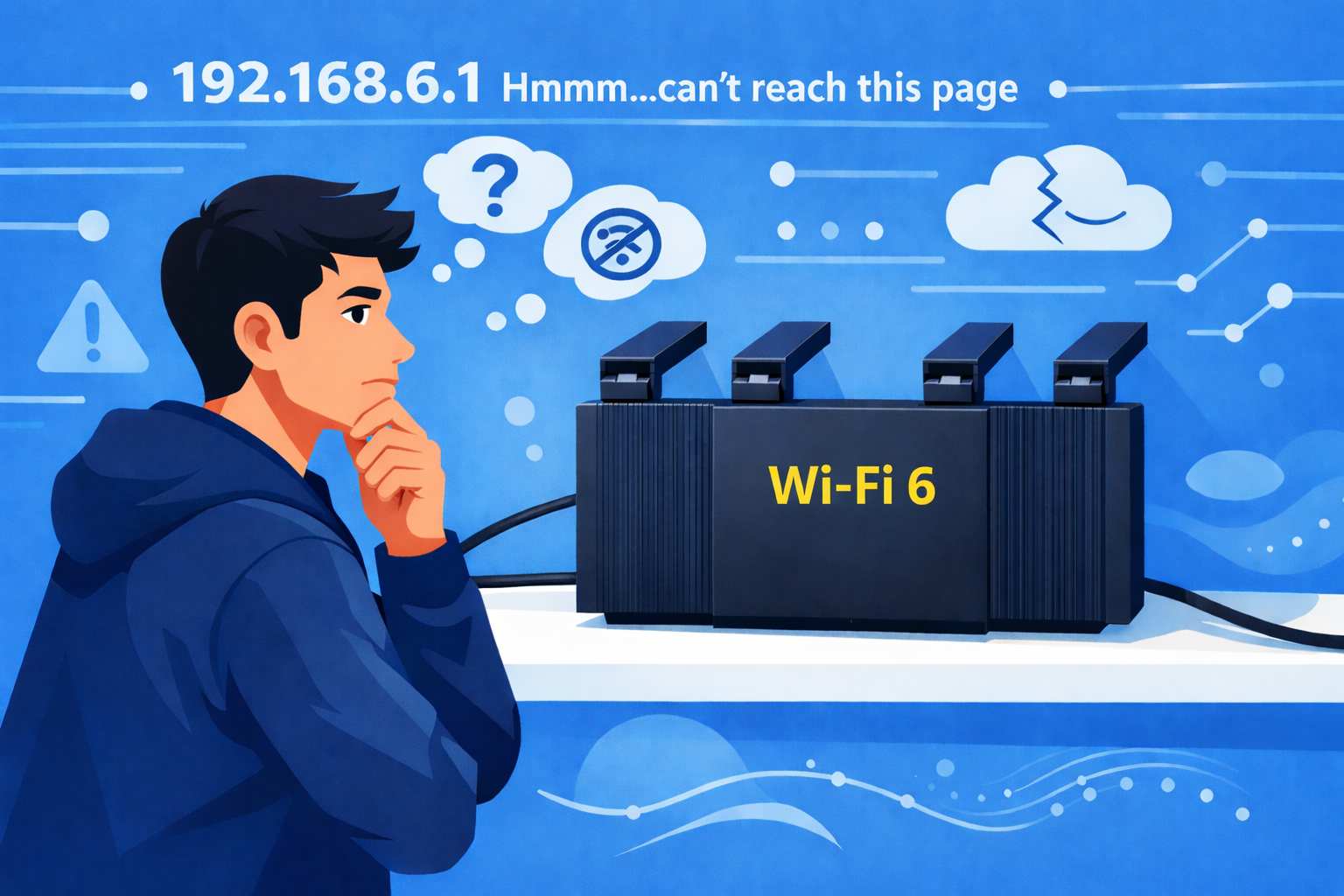
Have you ever tried to access your router's admin page only to find it won’t load, even though the router itself is working fine?
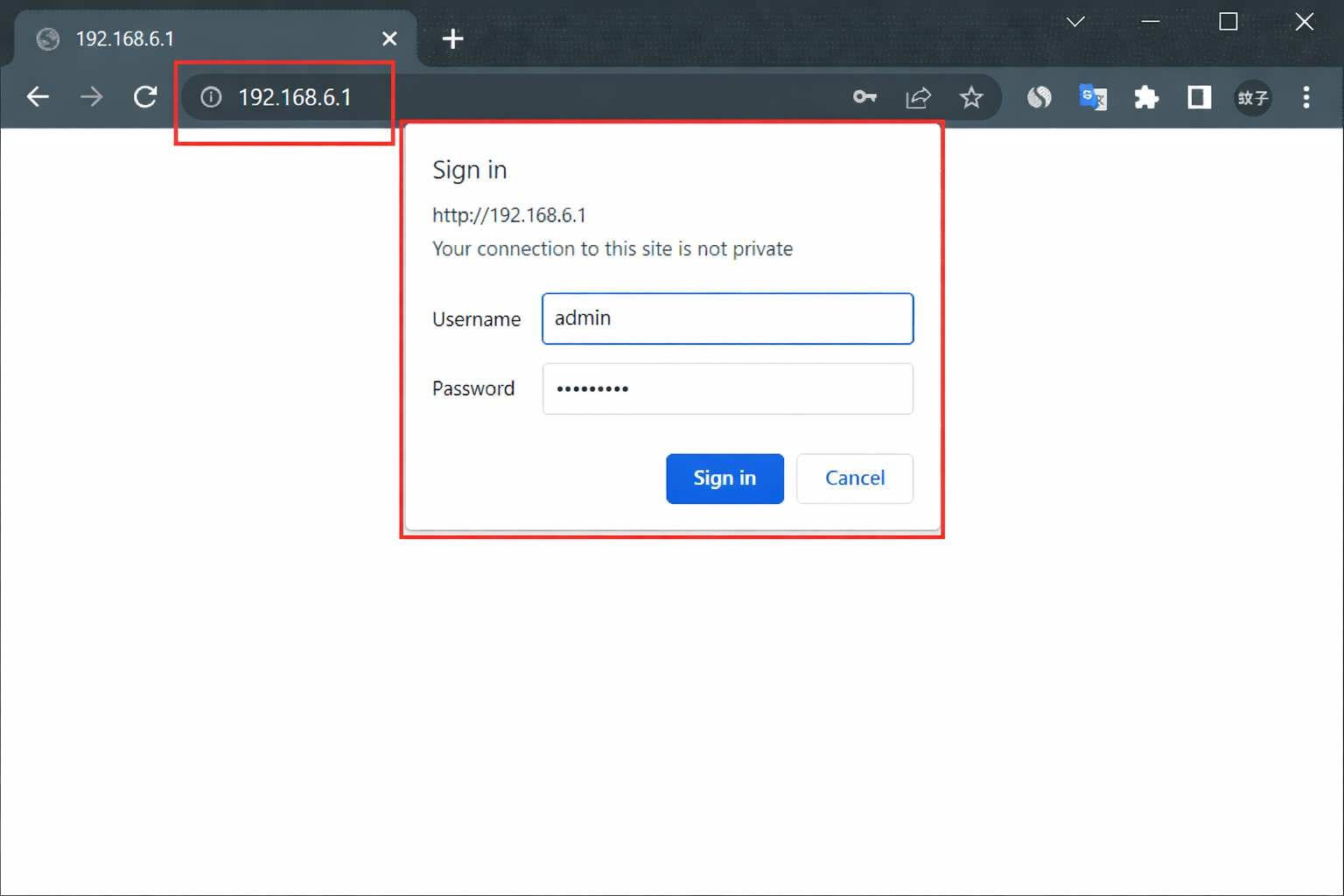
192.168.6.1 is a common login address for routers like Feiyi WiFi. Check this guide: 192.168.6.1 Admin Login for Router or Modem
If you encounter a “This site can't be reached” or timeout when visiting http://192.168.6.1, the following steps usually help you fix the issue.

Why 192.168.6.1 Isn’t Working and How to Fix It
1. Make sure your device is connected to the router’s network.
On a computer: click the network icon in the taskbar and check if it shows “Connected” or “Internet Access.”
On a phone or tablet: go to Settings → Wi-Fi, and confirm that you are connected to your router’s network, not a neighbor’s or public hotspot.
If your device isn’t connected via Wi-Fi or LAN cable, you won’t be able to access the admin page.
2. Verify the login address is entered correctly.
You should enter 192.168.6.1 or the full address http://192.168.6.1 in the browser’s address bar. Avoid typos, extra spaces, or unnecessary suffixes (like “.com”). Common incorrect formats include:
- 192.168.6.11
- 192.168.6.l
- 192.168.6。1
- www.192.168.6.1
- 192.168.6.1.com
- http//192.168.6.1
Any of these mistakes will prevent the login page at http://192.168.6.1 from loading.
3. The router’s admin IP may have been changed.
While your router may use 192.168.6.1 as its default login address, it could have been changed. If you try accessing it using the default address, you might see a “This site can't be reached” message. In this case, you’ll need to find the correct login address and use it to access the router.
Windows: press Win + R → type cmd → Enter → type ipconfig → look for the “Default Gateway”.
Phone/Tablet: open Wi-Fi settings → tap the connected network → check the “Router” or “Gateway” address.

4. Clear your device’s network cache or try a different browser.
Browsers may store old network settings, causing login failures. Clear your cache and try accessing http://192.168.6.1. You can also switch to a different browser like Chrome or Edge to rule out compatibility issues.
After going through the checks above, you should typically be able to access http://192.168.6.1 successfully and reach the login page.