 IP
IP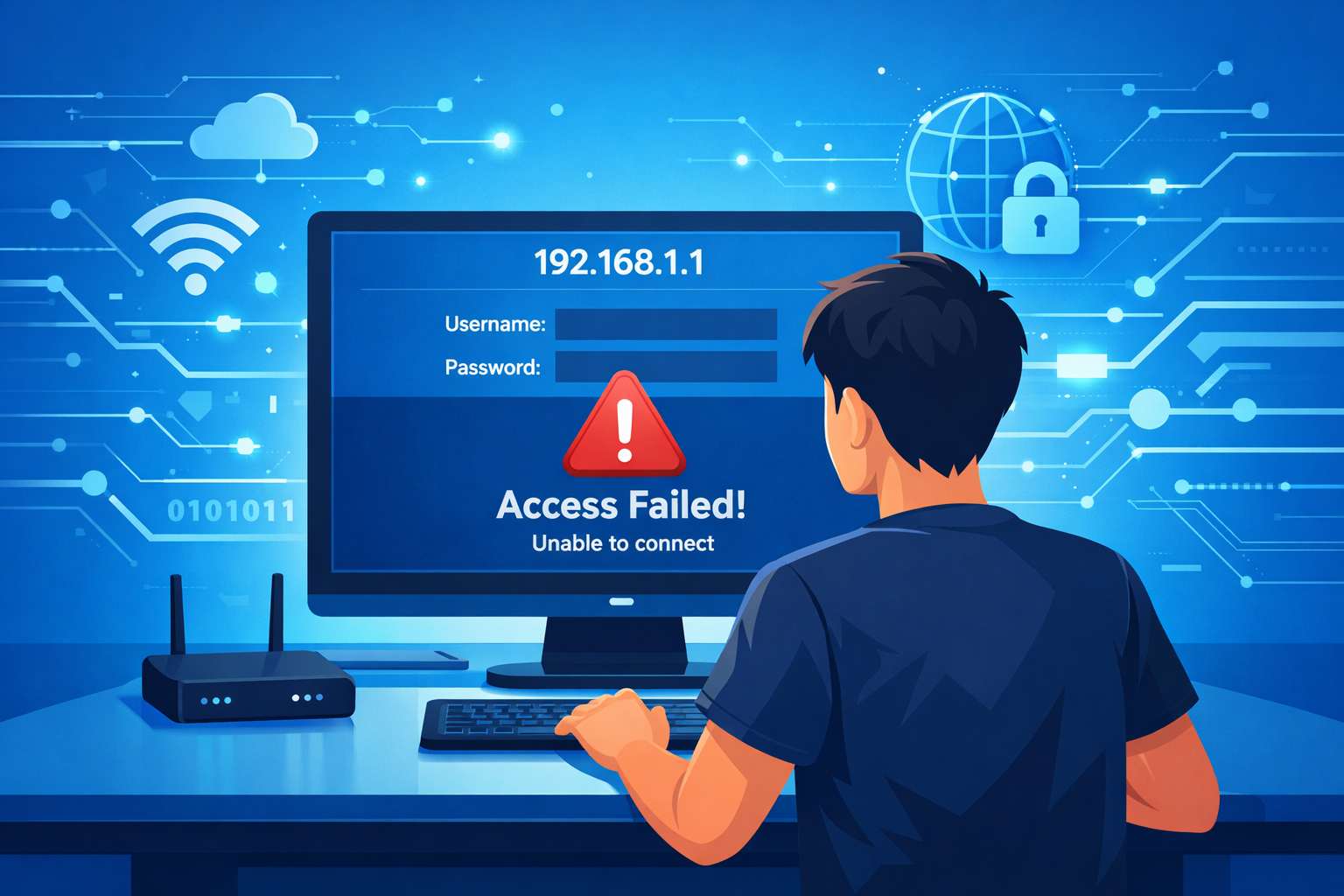
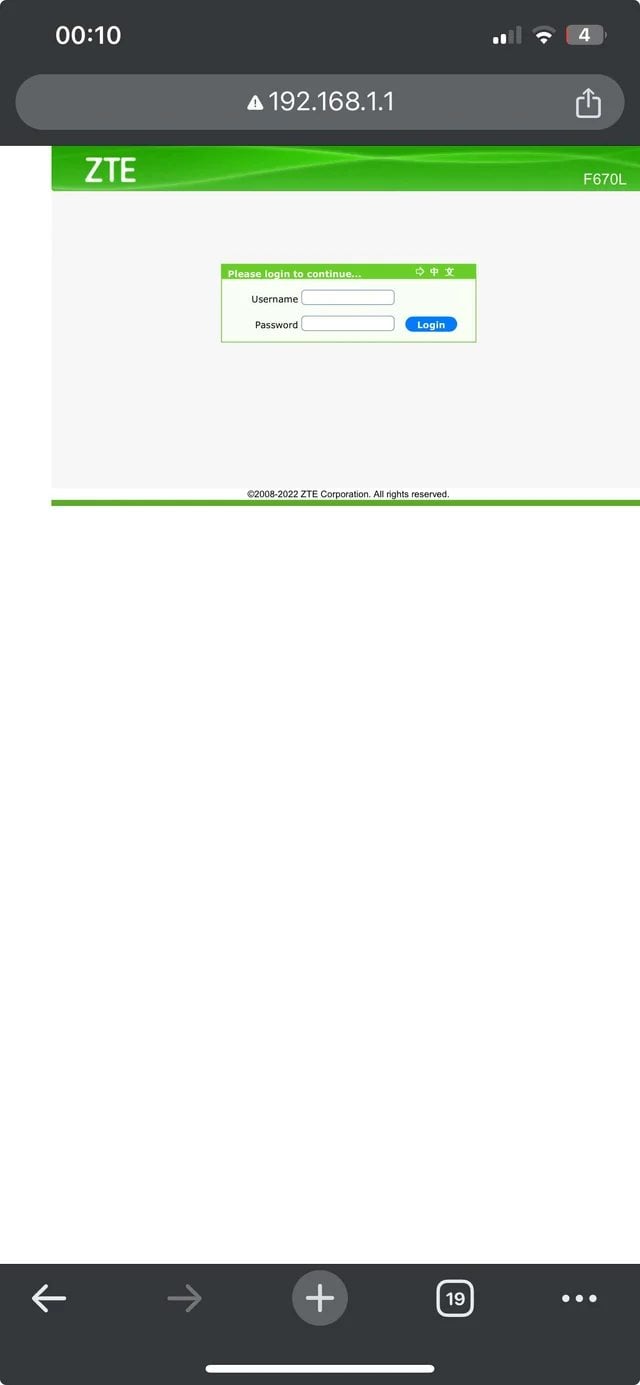
192.168.1.1 is the default router login IP address used by many home routers. It allows you to access the router’s admin panel to change your Wi-Fi name and password, manage connected devices, or set up your internet connection. If the 192.168.1.1 login page won’t open or you can’t access 192.168.1.1, it doesn’t usually mean your router is broken. In most cases, the problem is caused by an incorrect network connection or a mistyped IP address.
Check Your Network Connection
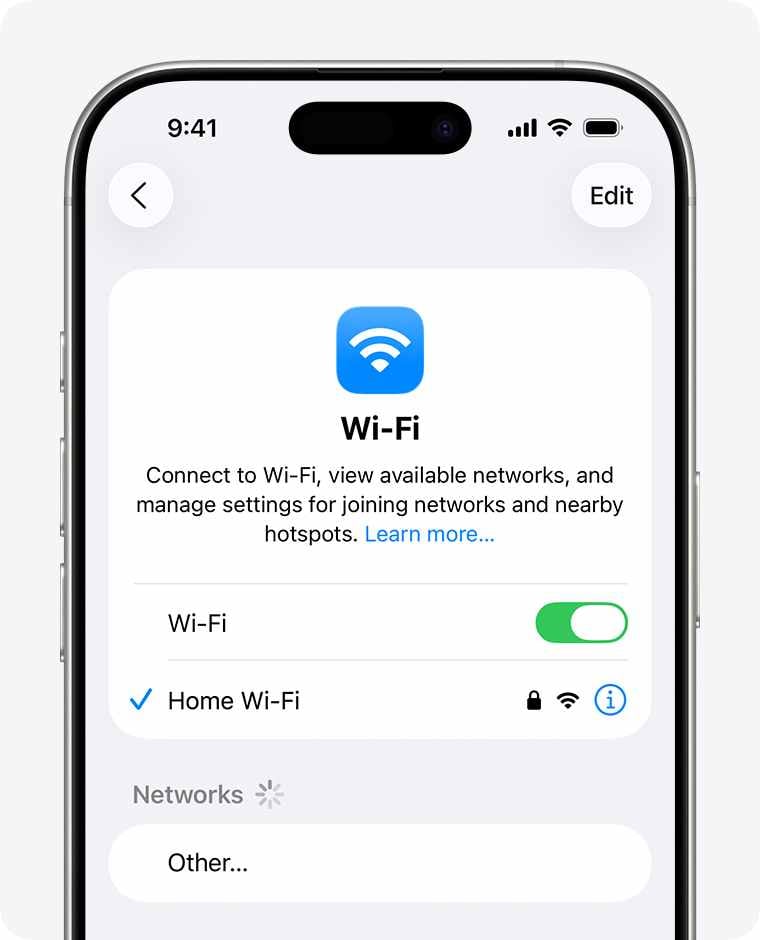
If you can’t access http://192.168.1.1, the most common reason is that your phone or computer isn’t actually connected to the correct router. Follow these steps to check:
- Confirm your network connection:
- On a phone: Open Wi-Fi settings and make sure you’re connected to the correct router’s SSID (wireless network name). Sometimes your phone may automatically connect to a previously saved network or switch to mobile data.
- On a computer: If using an Ethernet cable, make sure it’s plugged into one of the router’s LAN ports (usually yellow), not the WAN port.
- Check the network status:
- On a phone, make sure the Wi-Fi icon is displayed normally at the top of the screen.
- On a computer, the network icon in the lower-right corner should not show a red X or warning symbol. For help, see: What to Do If Your Router’s Wi-Fi Shows an Exclamation Mark and Has No Internet.
If your device is connected to a modem, another router, or has automatically switched to mobile data, the 192.168.1.1 login page will not load.
Check the Router IP Address
Not all routers use 192.168.1.1 for login. While many routers come with 192.168.1.1 as the factory default, the IP address may have been changed by your network administrator. If the address has been modified, entering 192.168.1.1 will result in a “This site can’t be reached” error.
Before logging in, it’s best to check your network’s default gateway and use the correct IP address.
- On a phone: Go to Wi-Fi settings → tap the connected network → look for “Gateway” or “Router.”
- On a computer:
- Windows: Open “Network & Internet Settings” → view the “Default Gateway.”
- Mac: System Settings → Network → select your current connection → check the “Router” address.
Once you find the correct IP address, make sure you enter it properly. For more details, see: 192.168.1.1 Router Login IP Address Errors & Common Mistakes.
- Type the IP address in the browser’s address bar (usually at the top of the screen)
- Do not add “www”
- Do not enter it into a search engine
- Avoid using non-English punctuation marks
Do not enter the IP address in the following incorrect formats:
- 192.168.l.1
- 192.168.1.l
- 192.168.11
- www.192.168.1.1
- 192.168. 1.1
- 192。168。1。1
- http//192.168.1.1
- http:/192.168.1.1
- https://192.168.1.1.com
- 192.168.1.1/
- 19216811
- 192.168.1.01
- 192.168.1.1:80:80
Access Your Router Using the Official App
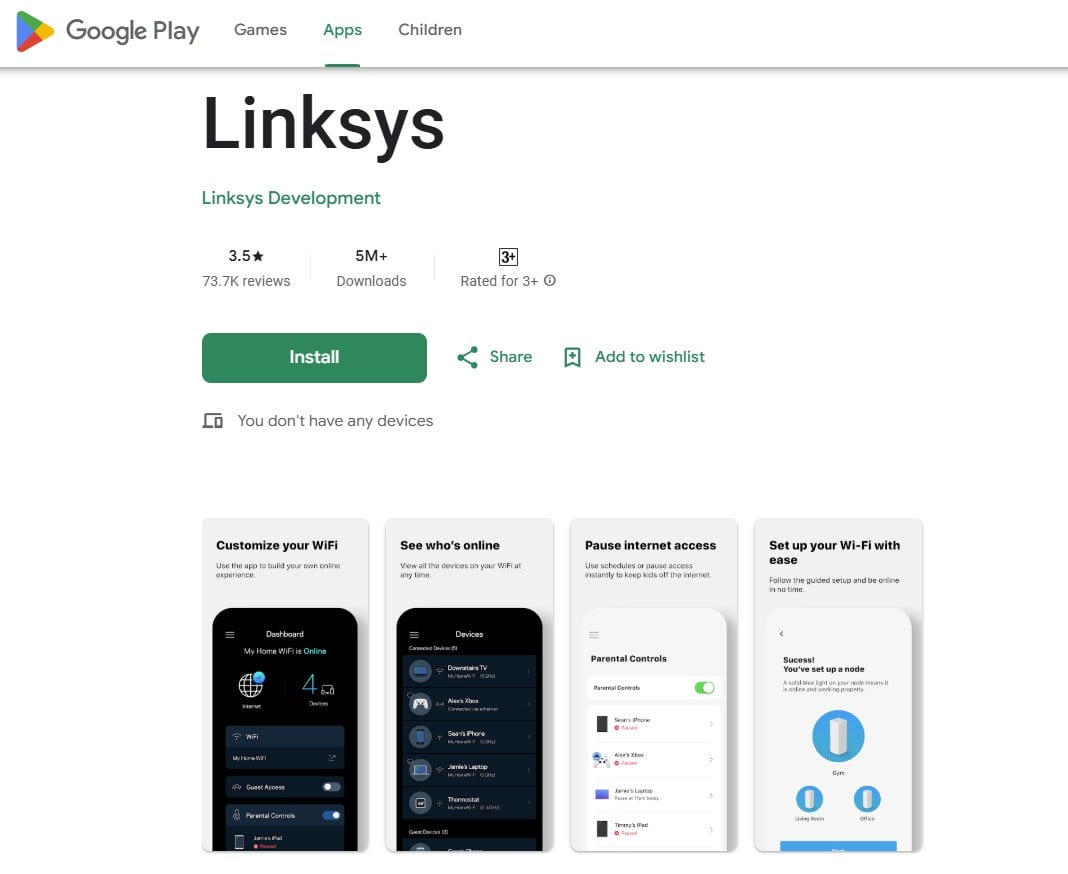
Many routers are designed to be managed primarily through a mobile app, with the web interface serving as a backup option. If 192.168.1.1 won’t open, you can use the router’s official app instead. See: Official Router Admin Apps for Quick WiFi Setup.
- Connect to the router’s Wi-Fi: Open Wi-Fi settings on your phone and connect to the router’s wireless network.
- Download the official app: Turn the router over and check the label on the bottom. Many brands provide a QR code for their official management app. Scan the code to download it, or search for the brand’s official app in your app store.
- Open the app and log in: After installation, launch the app. It will usually detect the connected router automatically and guide you through login or initial setup. Once logged in, you can manage your network directly from the app.
Remember, if you can’t access the 192.168.1.1 web login page after several attempts, there’s no need to keep refreshing your browser. Using the official app is often faster, easier, and more reliable for managing your router settings.


