 IP
IP
Many people using a Linksys router want to change their Wi-Fi password but don’t know how to access the settings page. To do this, you need the router’s login address, which serves as the gateway to the Linksys admin panel. Once logged in, you can easily modify your Wi-Fi password or adjust network settings.
Linksys Router Login Addresses
There are three common login addresses for Linksys routers:
- 192.168.1.1: The most commonly used local login address. As long as your device is connected to the Linksys Wi-Fi, you can open the admin panel. Internet access is not required for login.
- http://myrouter.local/: The preferred local login address for Linksys Mesh routers (including the Velop series), officially recommended by Linksys. Simply connect your device to the Linksys Mesh Wi-Fi to access the admin panel.
- https://www.linksyssmartwifi.com: Cloud-based login. If your router is online and linked to a Linksys account, you can manage router settings remotely.
If you’re unsure which address to use, check the label on the bottom of your router or look for the “Gateway” or “Router IP” in your device’s Wi-Fi details—the address displayed is your login entry.

How to Log in to the Linksys Admin Panel
1. Connect your phone or computer to the Linksys Wi-Fi network and disable cellular data (4G/5G).

2. Open a web browser and manually enter 192.168.1.1 or http://myrouter.local/ in the address bar, then press Enter or click Go. Be careful not to mistype it as 192.168.l.1 or myrouter.local, and do not search for it in a search engine.

3. Enter the admin password on the login page. For first-time setups, you will be asked to set up a password. If you’ve set a password before, use the one you created. Learn more here: How to find your Linksys router username and password
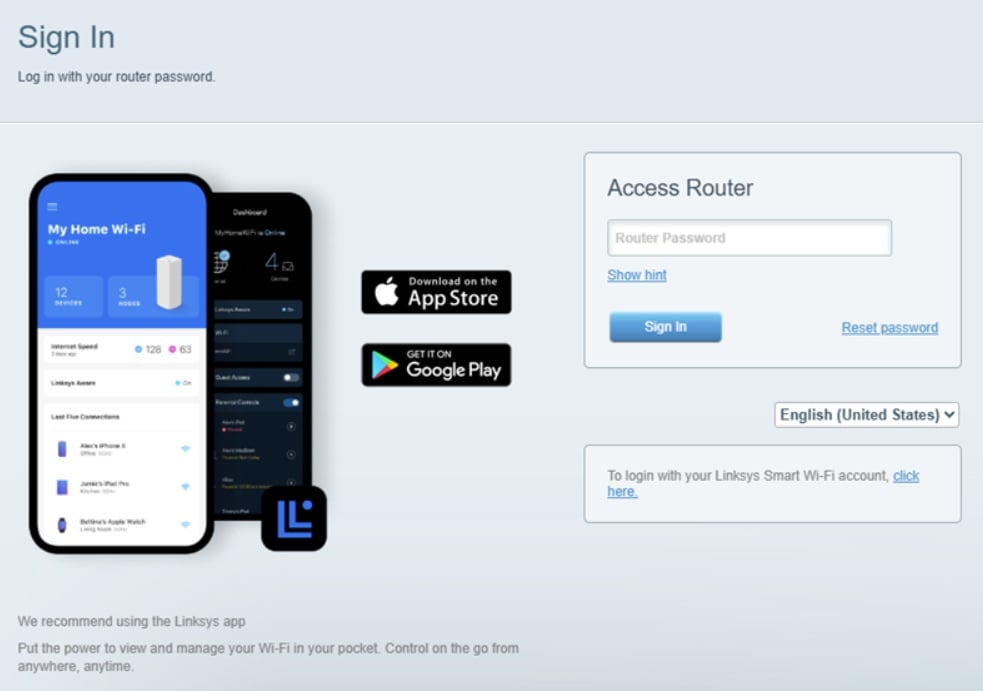
4. Once logged in, you’ll access the Linksys admin homepage. Go to Wi-Fi Settings to change your 2.4GHz & 5GHz Wi-Fi network name and password.
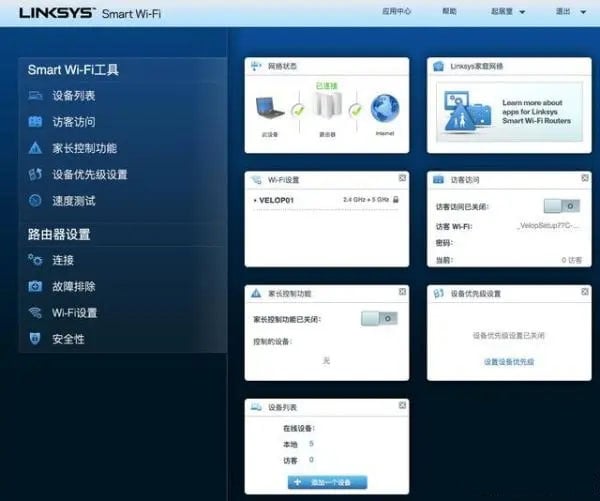
Tip: For Linksys Mesh routers, using the Linksys App is recommended. Managing Mesh nodes, checking network status, or changing the Wi-Fi password is easier, more stable, and more convenient through the app.


