 IP
IP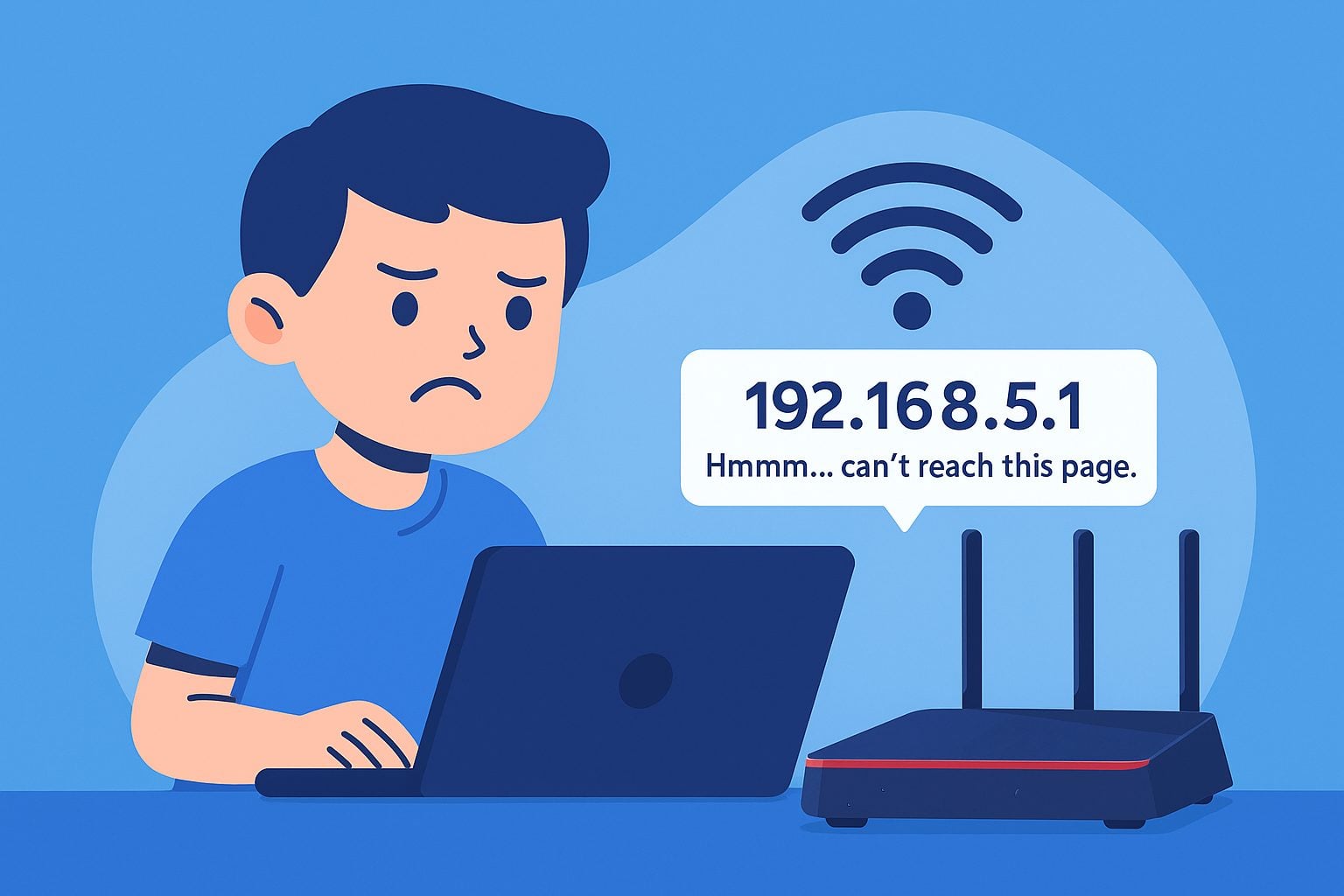
192.168.5.1 is a private IP address commonly used in home and small office networks to access the router's admin dashboard. Routers and network devices that often use this login address include wireless routers from TP-Link, Tenda, Mercusys, ZTE, and some home gateway devices. If your router or network device uses 192.168.5.1 as its admin login address, you can access the router admin panel for configuration by entering http://192.168.5.1 in your browser.
However, many users encounter a situation where typing 192.168.5.1 does not open the login page. Why does this happen? The most common reasons fall into three categories:
3 Common Reasons Why 192.168.5.1 Login Not Working
1. 192.168.5.1 Input Errors
Accessing the router’s login page requires entering the correct IP address. Many users mistakenly add “www” or “.com,” or enter the protocol/port incorrectly, preventing the page from loading.

The correct way to enter it is:
- Clear the browser address bar and enter http://192.168.5.1 or simply 192.168.5.1
- If the router requires HTTPS, try https://192.168.5.1
Common incorrect examples include:
- www.192.168.5.1
- http://www.192.168.5.1
- 192.168.5.1.com
- http://192.168.5.1.com
- 192.168.5.1.
- 192.168.5.l
- 192 l.168.5.1
- 192.168.5.l1
- 192.168.51
- 192.168.5
- https//192.168.5.1
- http//192.168.5.1
- htttp://192.168.5.1
- 192.168. 5.1
- 192.168.5.1/
- 192 168 5 1
- 192.1685.1
- 192.168.5.1 admin
- 192.168.5.1 login
2. Device Not Connected or Admin IP Is Different
If your phone or computer isn’t connected to this router (e.g., connected to a neighbor’s Wi-Fi or using mobile data), entering 192.168.5.1 will not open the login page.
Finding the correct admin IP not only confirms your router’s backend address but also verifies whether your device is connected to the correct network.
Here’s how to check if your device IP is within the 192.168.5.x range (subnet mask usually 255.255.255.0):
- Windows: Open CMD → type ipconfig → check the IPv4 address and Default Gateway (Default Gateway is usually the router’s login address).
- macOS: Check under System Preferences → Network, or use ifconfig in Terminal.
- Phone: Go to Settings → Wi-Fi → tap the info icon → check “Gateway” or “Router.”
If your device IP is on a different subnet (e.g., your device is 192.168.1.x while the router is 192.168.5.1), you’re not on the correct network and need to adjust your connection.

3. Browser or Cache Issues
Another common reason is a browser issue. If you type 192.168.5.1 but your browser has cached a wrong redirect or some plugins (ad blockers, proxy extensions, etc.) interfere, the page may fail to load.
Solutions:
- Clear browser cache and cookies;
- Try a different browser to access http://192.168.5.1;
- Use the browser’s Incognito/Private mode;
- Disable any VPN or proxy plugins and try again.
Usually, switching browsers (e.g., from IE/Edge to Chrome/Firefox) can resolve the issue and allow access to the 192.168.5.1 router login page.


