IP
IP
Ruijie (Reyee) routers are widely used networking devices. Popular models such as the Starry series, EW series, and AX models with Wi-Fi 6 are very common in small shops and rental properties. This guide explains the admin login addresses and passwords for Ruijie routers. Wish this guide will be helpful for you to access the settings panel and manage your network.
Ruijie Router Admin Login Addresses
The most common default login addresses for Ruijie routers are 192.168.110.1 and 192.168.1.1.
For the latest Reyee series—such as the Starry series (Starry AX3200, AX5400, AX6000), EW series (RG-EW1200, RG-EW1200G PRO), and AX series (RG-EW3000GX, RG-EW1800GX)—the default login is generally 192.168.110.1. These devices also support logging in via the domain name ruiyi.cn.
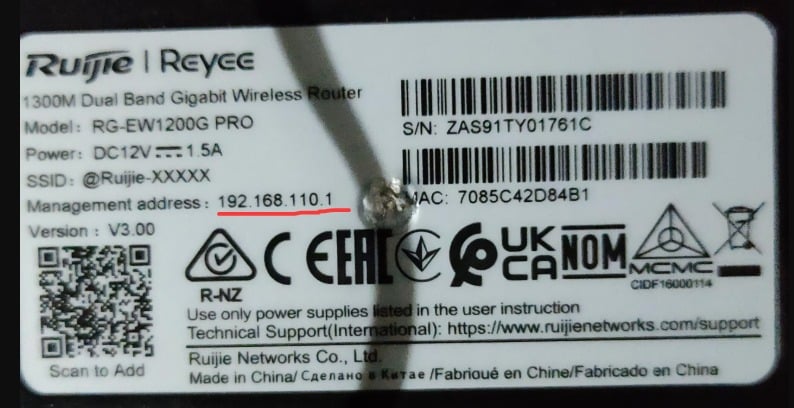
Older home routers (RG-100A, RG-200O, RG-300M) and enterprise-grade models (RG-EG, NBR, RSR) typically use 192.168.1.1 as the admin login address.
Once you know the login address, follow these steps to access the Ruijie router admin panel:
- Connect your computer or mobile device to the router’s Wi-Fi network (usually starting with ruijie_ or reyee_);
- Open a web browser and enter the login address (the router label may also printed it as “Management Address” or “IP”);
- Enter the username and password on the login page to access the admin panel.
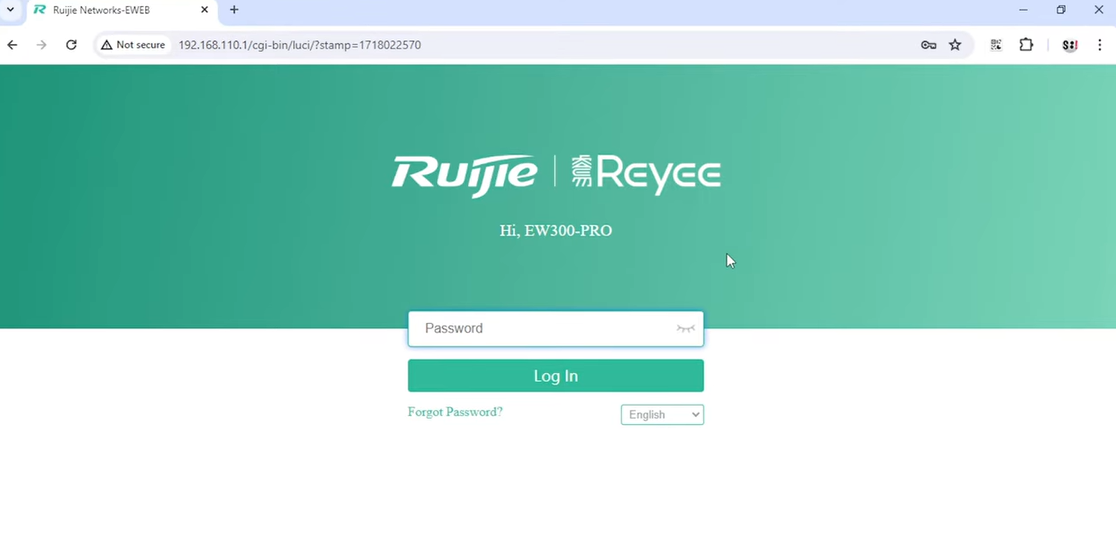
Ruijie Router Login Username & Password
1. New Reyee Series
For new devices like the Starry, EW, and AX series, there is typically no preset admin password. The first time you access the admin panel, the page will prompt you to create an “Administrator Password.”
To log in, simply enter the password you created during this initial setup.
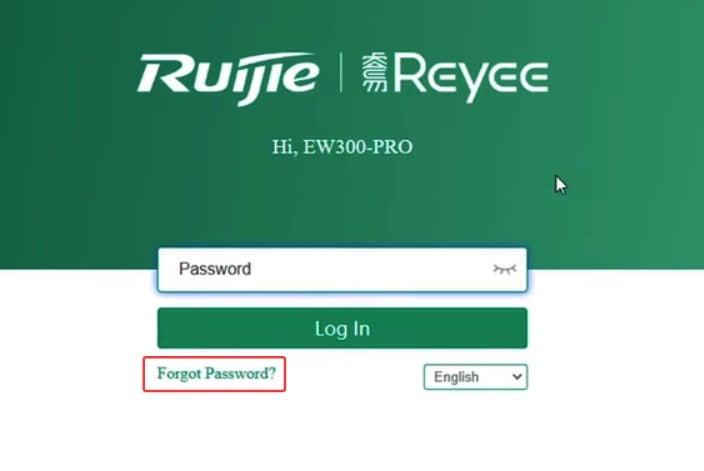
If you forget your password, click the “Forgot Password” link below the login button and follow the instructions to recover it.
2. Older Routers / Enterprise Devices (RG, EG, NBR, RSR, etc.)
These devices usually require the factory default credentials. Check the label on your device, which typically lists the login information, such as:
- Username: admin
- Password: admin
- Or, no username required, password: admin
Remember, use the login details printed on your router’s label.
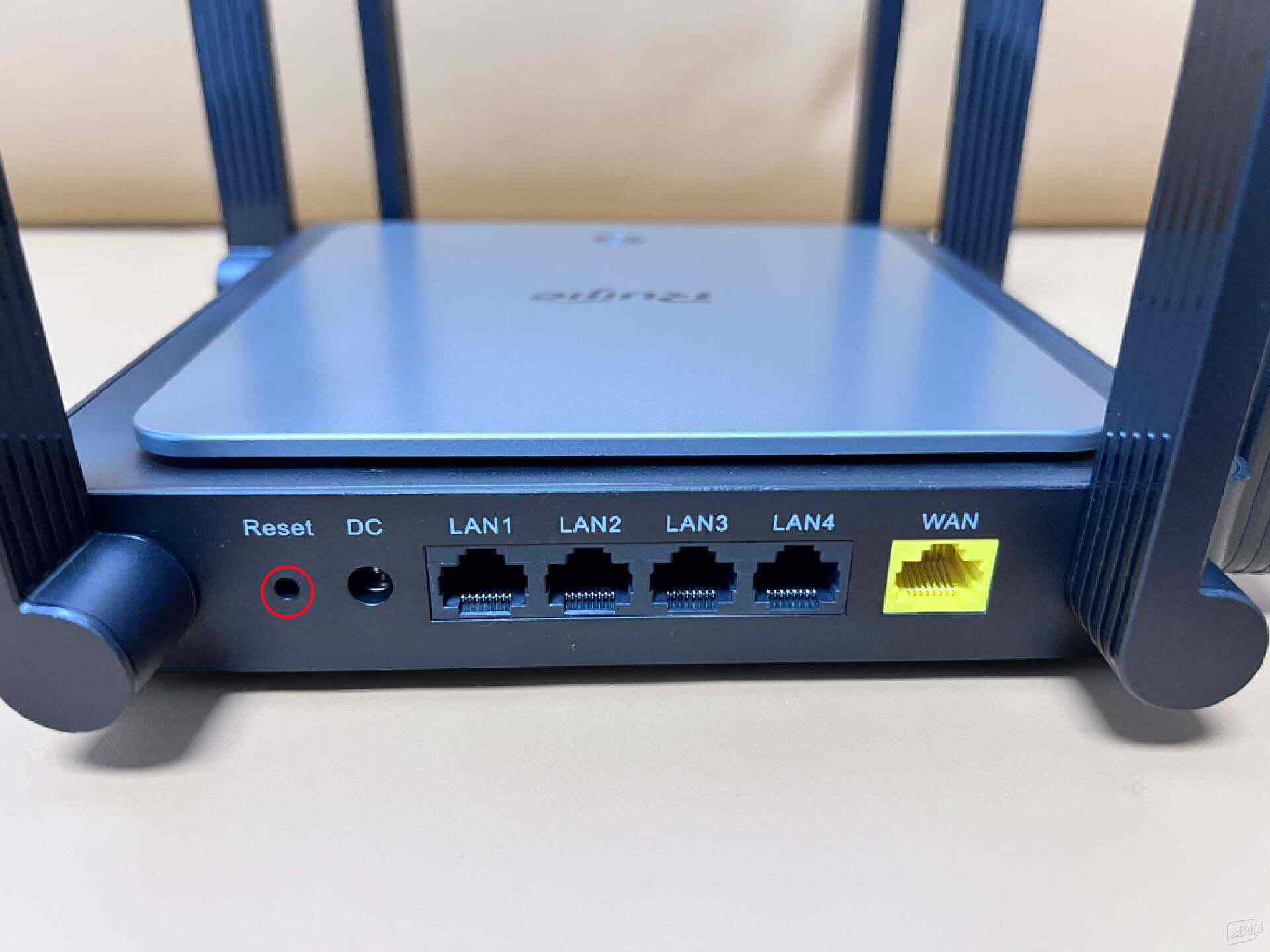
Most older Ruijie routers login page do not support password recovery. If you forget the password, you must use the RESET button to restore the router to factory settings.