 IP
IP
If you’re using a Google Wifi or Google Nest Wifi router, you may have noticed that the default gateway is 192.168.86.1. This means 192.168.86.1 serves as the router’s local IP address, allowing you to access the router settings and manage your network.
192.168.86.1 Default Login
192.168.86.1 is the common default gateway for Google Wifi routers. It is used by devices including:
- Google Wifi (1st-generation Mesh router)
- Google Nest Wifi
- Some Google Nest Wifi Pro units (when used as the primary node)
Using this IP address, you can access the router’s local login page to check network status or perform basic setup. However, unlike traditional routers, most Google Wifi devices do not provide a full web-based admin interface. The main management functions are handled through the Google Home app.
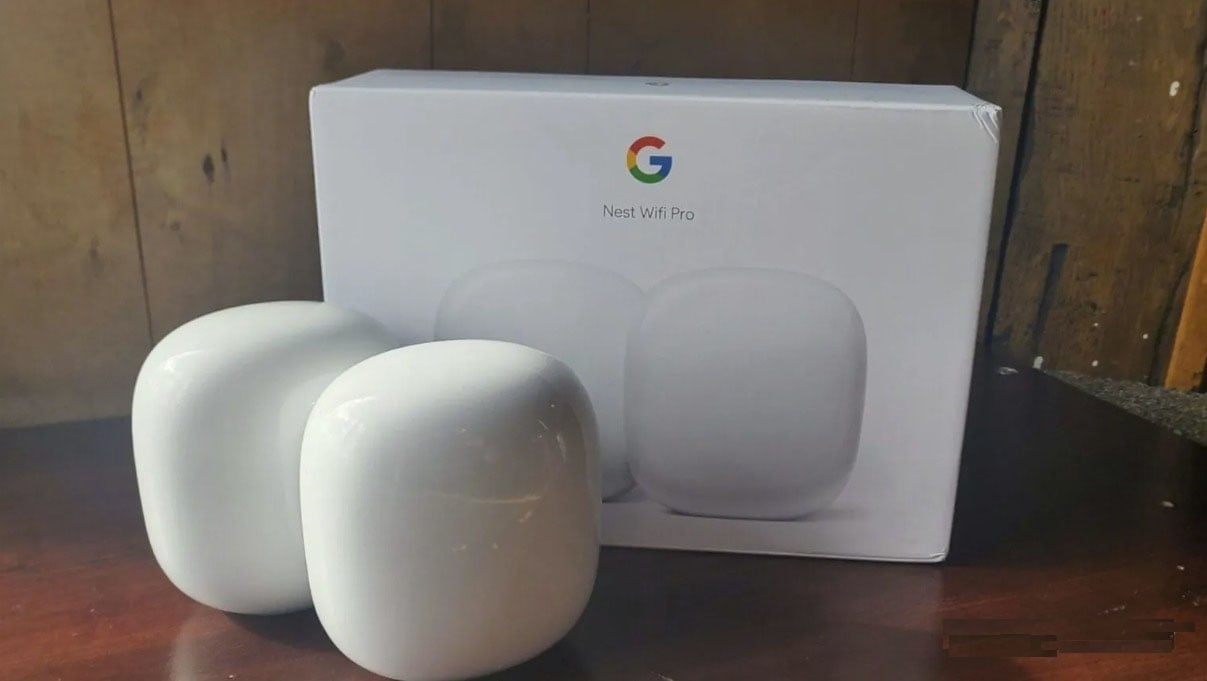
How to Log In to Your Google Wifi Router
- Connect your phone or computer to the Google Wifi router’s WiFi network.
- Open a web browser such as Chrome, Safari, or Edge.
- Enter http://192.168.86.1 in the address bar and press Enter.
- When the browser displays a prompt page, open the Google Home app.
- Sign in with your Google account in the Google Home app and select the router you want to manage.
- Once in the device page, you can change the WiFi name and password, set up a guest network, view connected devices, test network speed, manage Mesh nodes, and configure parental controls or internet time limits.


