 IP
IP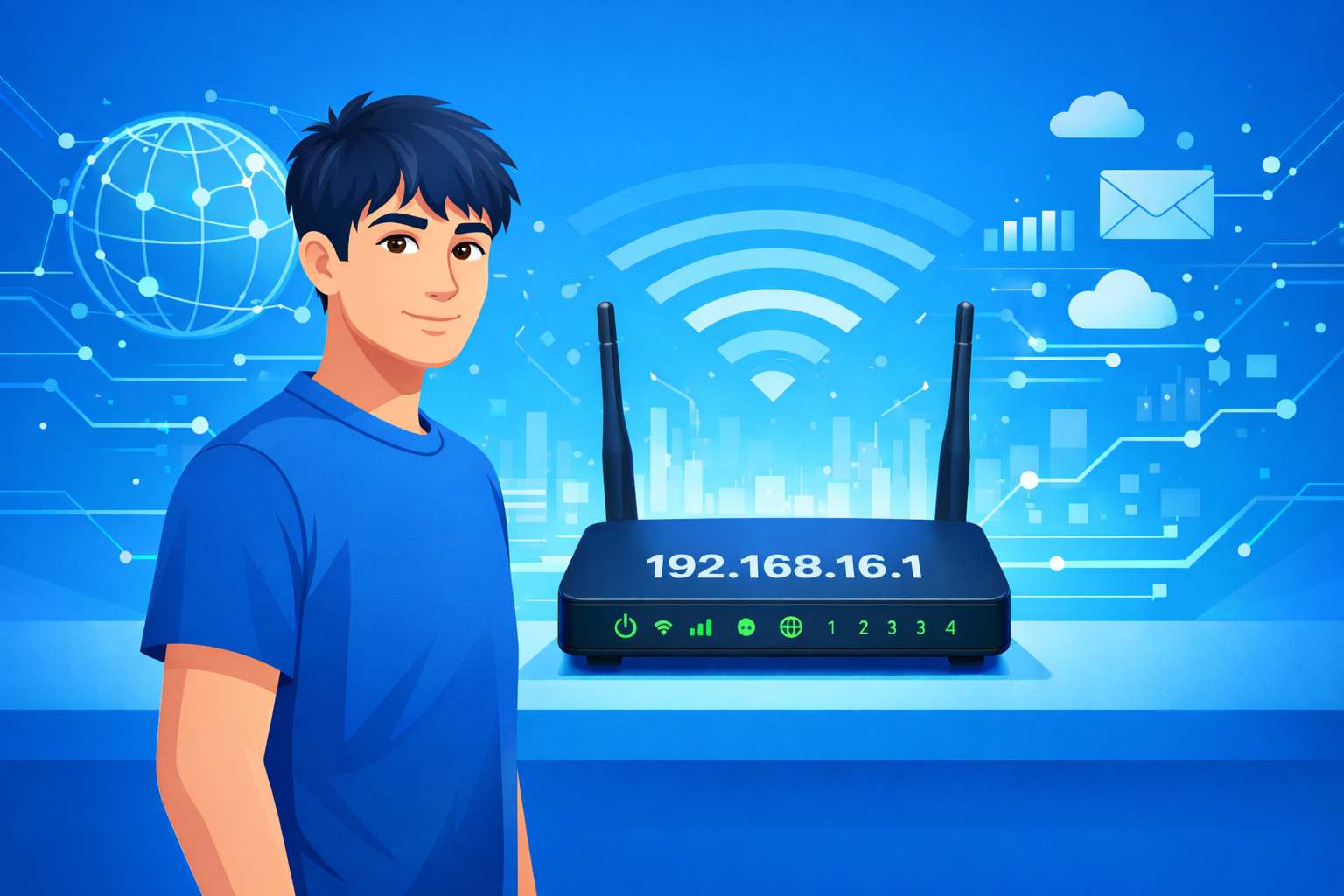
192.168.16.1 is a common router management address, also known as a gateway address, used in home and small office networks. This address is typically the default gateway for accessing the admin panel on LB-LINK routers, as well as certain models from Aceex and Edimax.
To change your Wi-Fi password, view connected devices, or adjust other network settings, you first need to log in to the router via 192.168.16.1.
How to Access the 192.168.16.1 Router Login Page
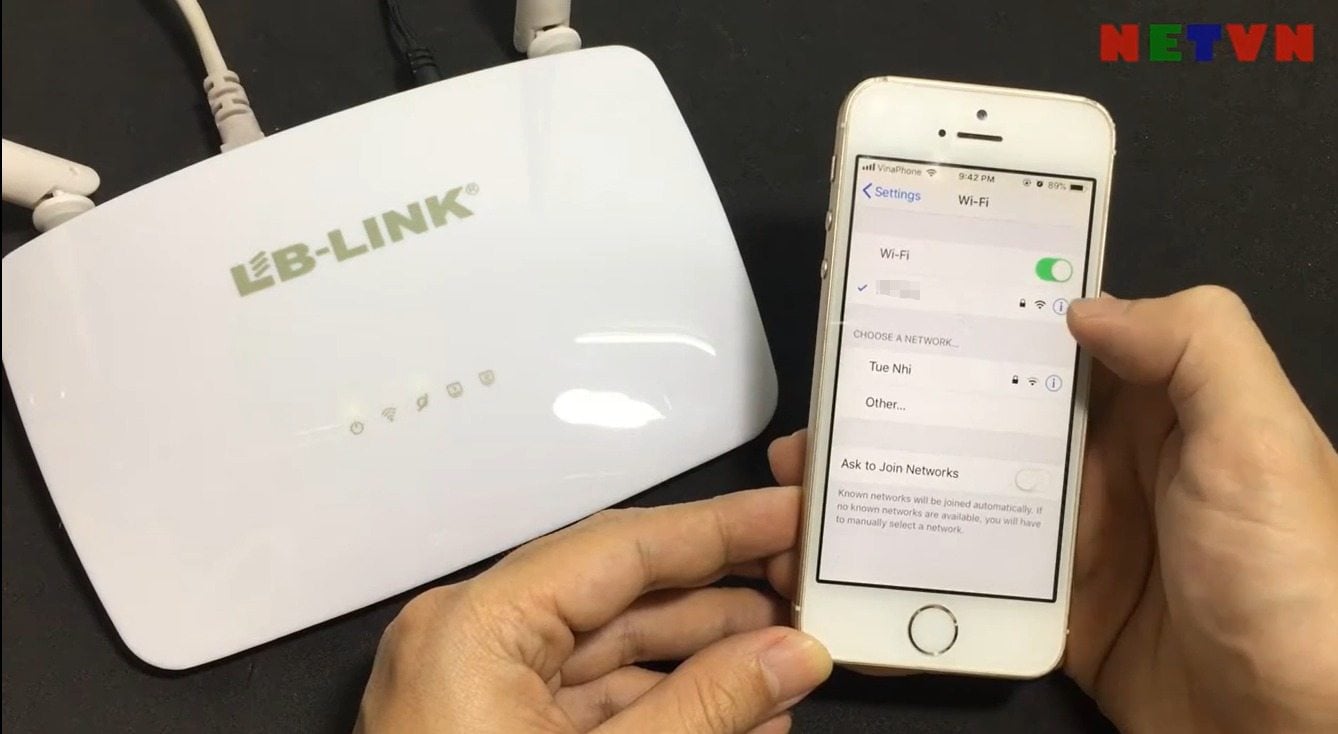
1. Connect your device to the router.
Whether you’re using a phone or a computer, make sure it is connected to the router’s network. You can use a wired Ethernet connection or connect via Wi-Fi.
If your device isn’t connected to the router, you won’t be able to access the login page.
2. Open a browser and enter the address.
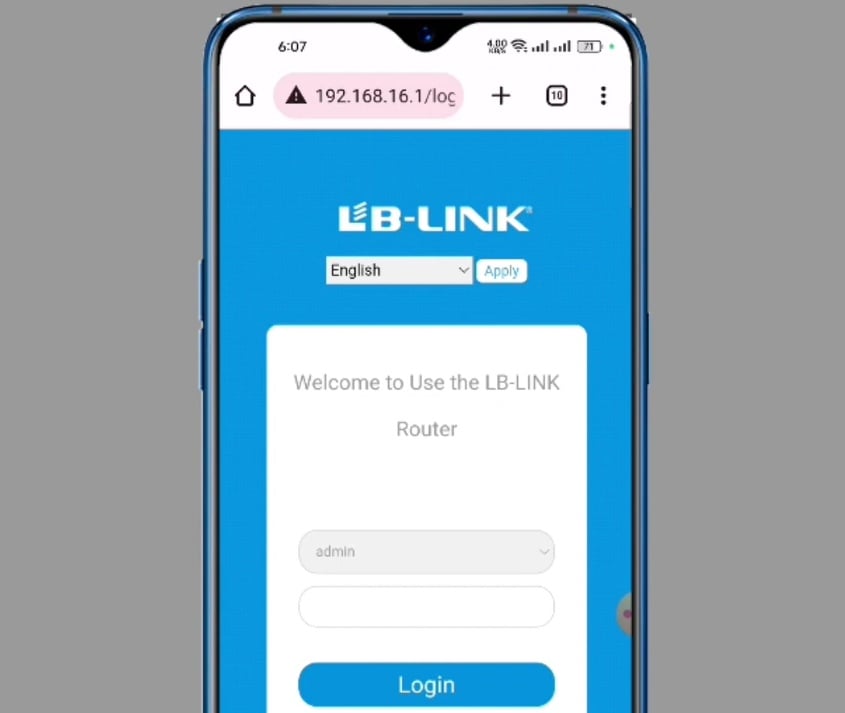
Type http://192.168.16.1 into the browser’s address bar and press Enter.
Note: Avoid incorrect formats such as 192.168.l6.1, 192.168.16.1/ or adding www (www.192.168.16.1), as these will not load the page.
3. Log in with the correct admin password.
On the 192.168.16.1 login page, enter your router’s administrator password to access the settings.
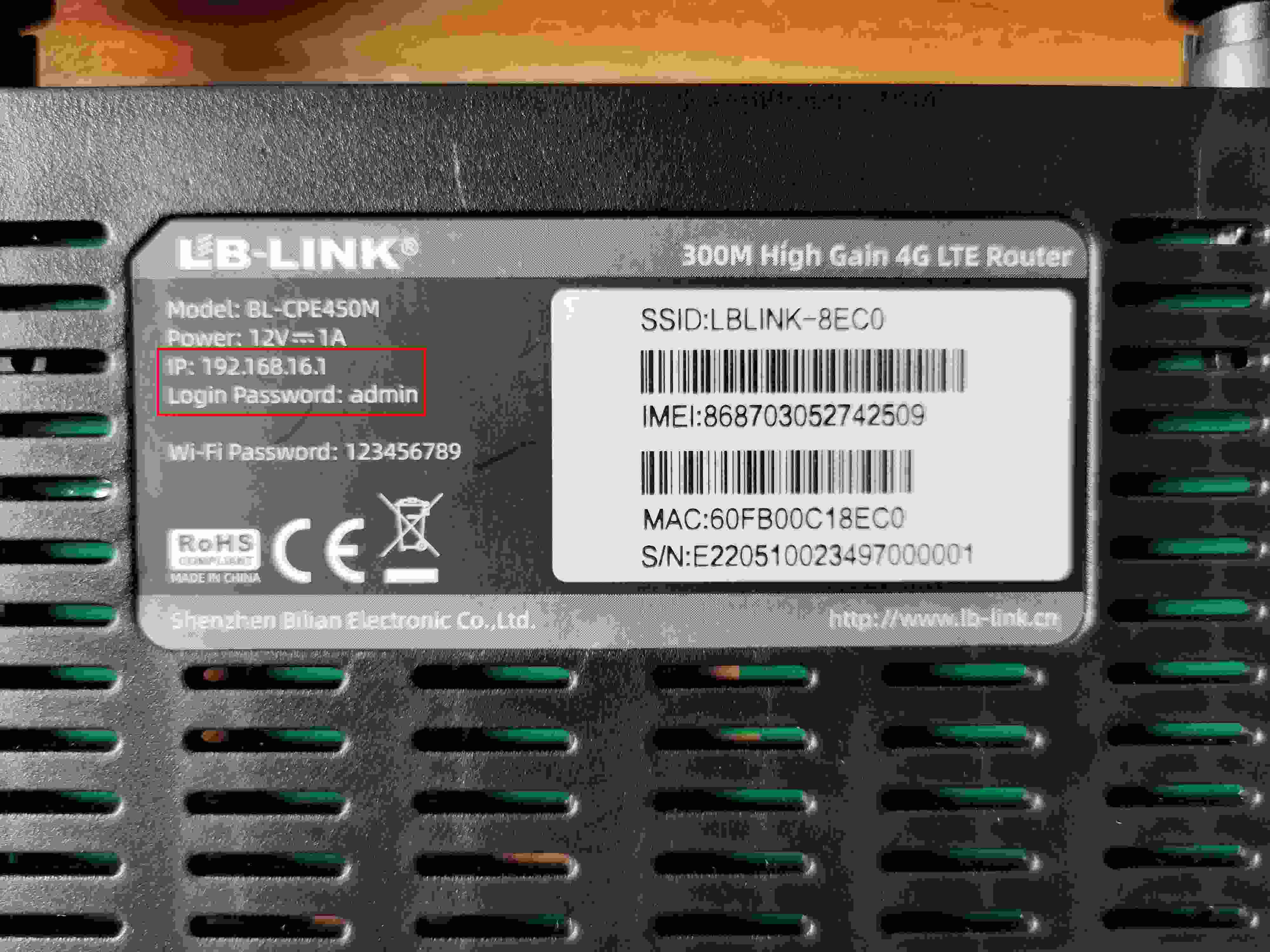
For LB-LINK routers, the default username and password are usually both admin. If you have changed them, use the username and password you previously set.
4. Access the router settings.
After logging in, you can change your Wi-Fi name and password, view connected devices, block unauthorized users, and adjust other network settings.
Remember to click “Save” or “Apply” after making changes, otherwise your settings will not take effect.


