 IP
IP
This is the 192.168.178.1 FritzBox login information page. If you're a network administrator and your device’s IP address is 192.168.178.1(NOT 192.168.l78.1), here’s what you need to know.
What is 192.168.178.1?
The IP address 192.168.178.1 is a private IP address widely used in local networks at homes, schools, and businesses. Compared to other IP addresses like 192.168.178.x, 192.168.178.1 is special because it's the default gateway address for most modems and wireless routers, particularly those in the FritzBox series made by the German brand AVM.
All devices within a local network (such as computers, smartphones, and smart TVs) use similar private IP addresses (like 192.168.x.x) to communicate with each other. 192.168.178.1 acts as the gateway, forwarding internal traffic to external networks (like the internet). It allows devices to communicate within the local network and serves as the access point for the router’s configuration page. Only internal devices or authorized external users can access the router’s admin interface by using the correct login credentials. Users can enter 192.168.178.1 in their browser to access the router’s admin interface, where they can change network settings, check device connection status, update firmware, and more.
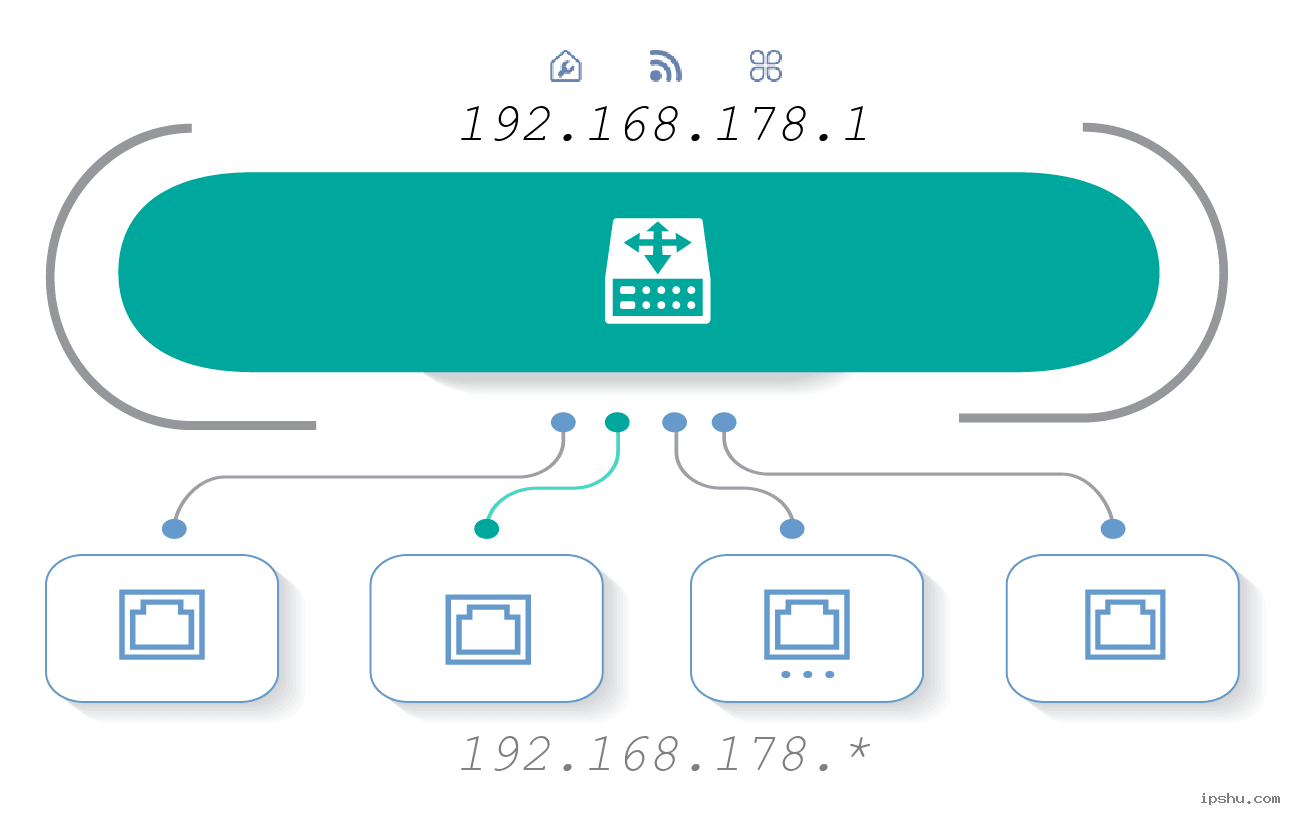
Which routers use 192.168.178.1 as the gateway address?
The AVM Fritz!Box series of routers and some customized routers from European telecom providers typically use 192.168.178.1 as their gateway address. Common models include:
- Fritz!Box 7490
- Fritz!Box 7590
- Fritz!Box 7430
- Fritz!Box 7360
- Fritz!Box 6890 LTE
These routers can be accessed via 192.168.178.1 or http://192.168.178.1 (NOT 192.168.l78.1 or http //192.168.l78.1) to manage Wi-Fi settings and other configurations. Additionally, some FritzBox routers can also be accessed through http://fritz.box.

What are the admin username and password for 192.168.178.1 FritzBox login?
The default settings for each FritzBox may vary. Most FritzBox devices or their packaging have a label with the username and password for login. The user manual for FritzBox also typically provides detailed information on the default login credentials.
Username:
By default, FritzBox does not require a username. You can leave the username field blank at the login screen, or for some models, the username may be “admin.”
Password:
Each FritzBox router has a unique default password, usually printed on a label located on the bottom or back of the router. For example, some FritzBox 7590 devices' password is “afbecd1234,” while some FritzBox 7530 devices use a password like “Lynxes5022.”
If you’ve changed the password before, you’ll need to use your updated password to log in.


