192.168.2.1 is a default management address used by many router manufacturers, including Phicomm, some Belkin, Edimax, Siemens, and SMC models. Click here to
Managing and optimizing your WiFi settings is a crucial step to ensure a smooth and secure network experience in a wireless environment. If your router’s gate
Can a Domestic IP Engage in Cross-border E-commerce?
The cross-border e-commerce industry is burgeoning globally, attracting not just businesses but also many individuals. Thus, a pertinent question arises: Can
When you encounter issues like an unstable router, forgotten passwords, or the need to reconfigure your network, what do you do?
Here’s a solution: reset y
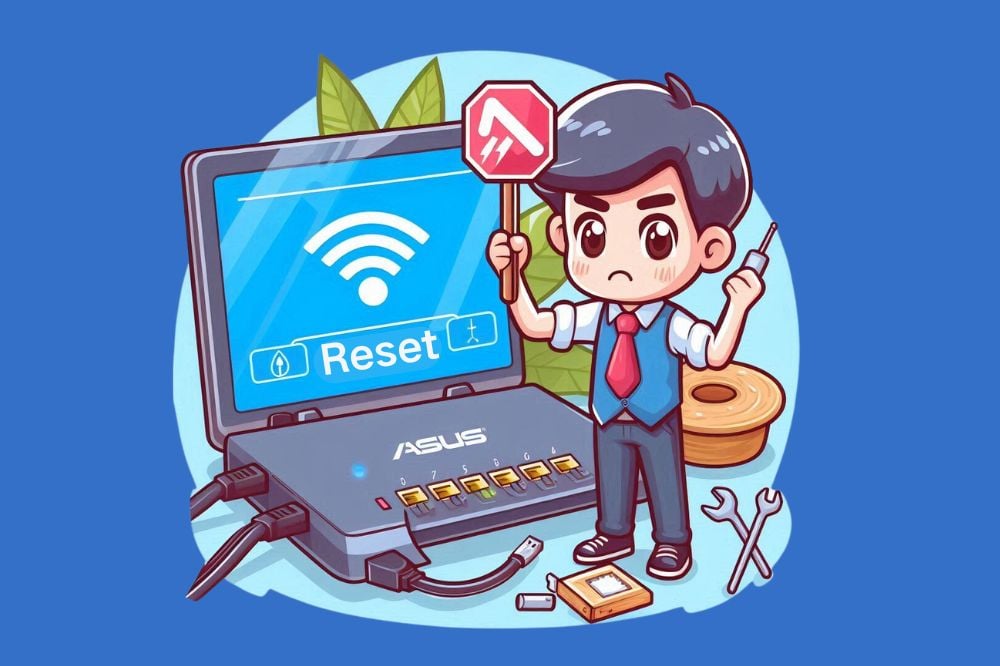
ASUS is one of the top-tier router brands on the market today. When you encounter network issues or if your router settings have become confusing, resetting
During regular use of Netgear routers, you might encounter network connectivity issues, forget your login password, or need to reconfigure the router. In suc
Step-by-Step Guide to Changing Your Public IP and Private IP Addresses
An IP address is essential as the unique identifier of a device on the network. Whether for privacy protection, network configuration adjustments, or other t
3 Simple Methods to Hide Your IP Address: Step-by-Step Guide
Nowadays, people are increasingly focusing on personal privacy and online security. Hiding the IP address is one effective way to achieve this goal. The bene
On the internet, the potential for IP addresses to compromise personal privacy is a widely shared concern.
An IP address is a unique identifier assigned to
 IP
IP